How to Update Your Payment Method in MyChart

As of Dec. 10, 2025, OHSU has updated its online payment system for prescriptions.

The next time you use MyChart to request a refill, you will need to:

  • Re-enter your credit card information.
  • Save it for future use.

Your information will be stored securely.

See the how-to guide below. In this guide, “choose” means click if you’re on a computer or tap if you’re on your phone or tablet. The screenshots show the steps as they look on a computer.

Step 1

Log in to MyChart.
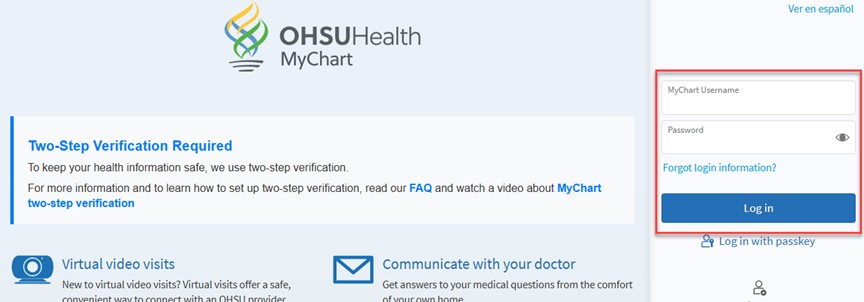
A screenshot of the MyChart login screen. The login is highlighted.

Step 2

Choose “Medications.”

A screenshot of MyChart menu icons. The Medications icon is highlighted.

Step 3

Choose “Request refills.”

A screenshot of the MyChart medications screen. A button that says “Request refills” is highlighted.

Step 4

Choose the prescription(s) you want to refill.

A screenshot of a prescription in MyChart. A checkbox is highlighted.

Step 5

Choose “Next.”

A screenshot of a prescription in MyChart. A button that says “Next” is highlighted.

Step 6

Choose your delivery method: “Pick up at a pharmacy” or “Deliver by mail.”

A screenshot of the “Delivery Method” screen in MyChart. The “Deliver by mail” button, “Ship to” headline and “Delivery comments” box are highlighted.

Step 7

Under “Payment, choose “Pay now,” then “Next.”

A screenshot of a Payment screen in MyChart. A button that says “Next” is highlighted.

Step 8

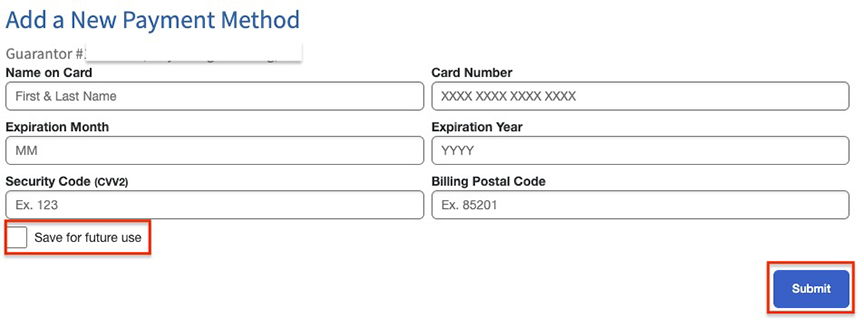
Enter your credit card information. Choose “Save for future use.”

A screenshot of a Payment screen in MyChart. A checkbox labeled “Save for future use” is highlighted.

Step 9

Choose “Process payment method.”

A screenshot of a Payment screen in MyChart. A checkbox next to the words “Save for future use” and a button that says “Process payment method” are highlighted.

Step 10

Review your request and choose “Submit.”

A screenshot of a “Review Your Request” screen in MyChart. The title is highlighted.

Contact us

If you need help updating your payment method in MyChart or have questions, call 888-279-9330.